Note 0293D Printing2 min read
Preparing a 3D file for printing: STL, 3MF, STEP
Which 3D file to send for printing, STL, OBJ, 3MF or STEP, what makes a file printable, and what to do when all you have is a drawing or a photo.
Most enquiries arrive without a file, and that is fine: a sketch, a photo or a few sentences is enough to begin. But when a piece already exists in 3D, sending the right file saves a step. This note explains the common formats and what makes a file ready to print.
The formats
- STL, the most common: the shape as a mesh of triangles, with no colour and no units, so say which units it was drawn in
- OBJ: a mesh like STL, which can carry colour and texture in files beside it
- 3MF: a newer mesh format that keeps the units, the colours and the parts in one file
- STEP: the exact solid from a CAD program, the best for engineering parts that must fit or be measured
If you are not sure which you have, send the file your designer or your CAD program saved, and the answer will say whether it can be printed as it is.
What makes a file printable
- It is closed, with no holes, so that what is inside the piece and what is outside is clear
- Its walls are thick enough to print and to survive being handled
- Its size is right: a file drawn in millimetres and read as inches, or the other way round, prints at the wrong scale
- Parts that move or come apart are separate, with room between them
Detail and resolution
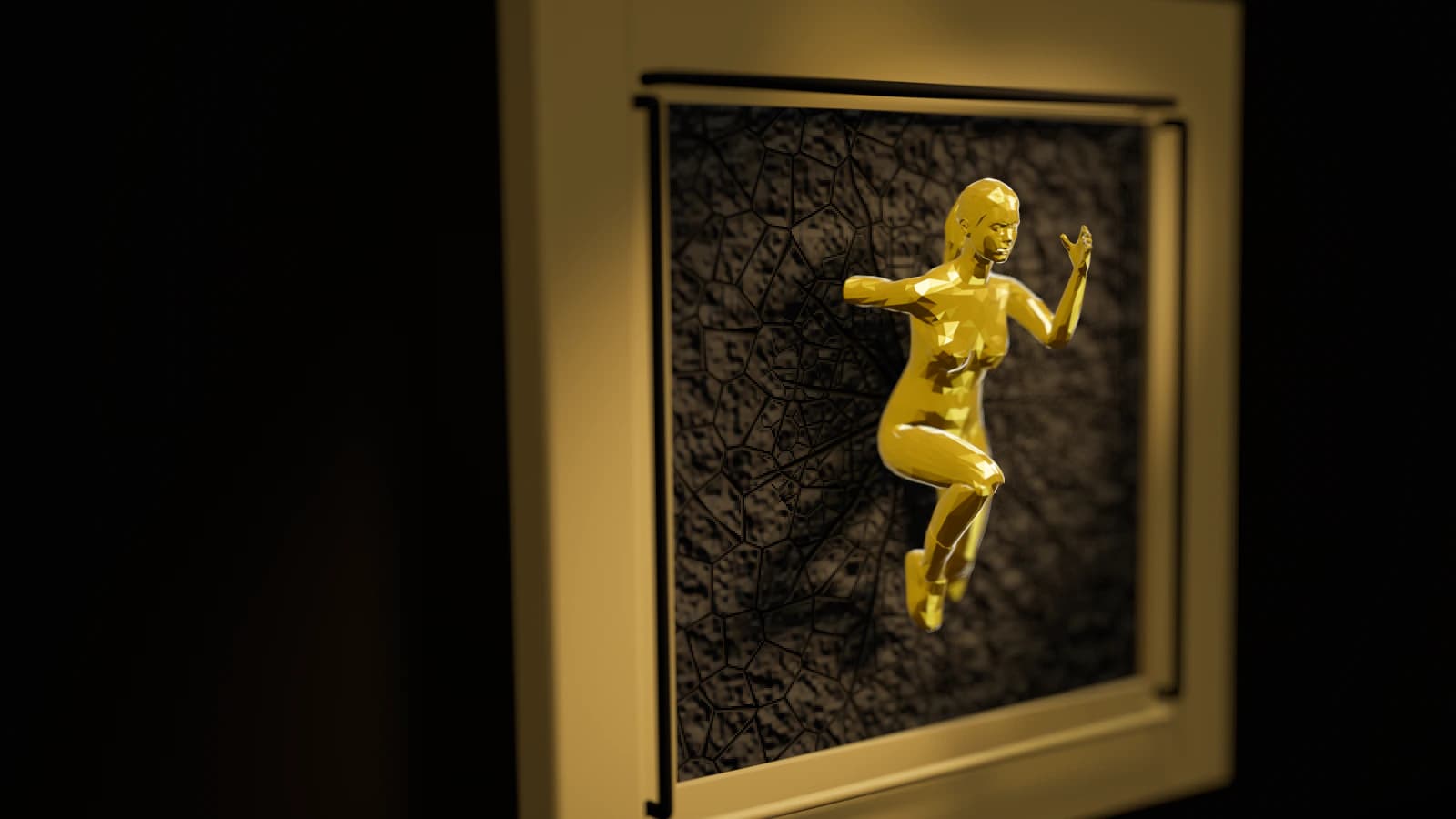
A mesh is exported at a resolution: too coarse and curves come out faceted, too fine and the file grows huge without looking any better. Most programs' default export is a good start, and curves that will be seen up close deserve a finer one, unless the facets are the point, as on the low-poly Female Statue.
Large pieces and many parts
A piece larger than a printer is printed in sections, but its file does not need to be split: the sections and their joints are designed in the studio. A model with many parts can arrive as one file or many, as long as it is clear how they fit together.
When there is no file
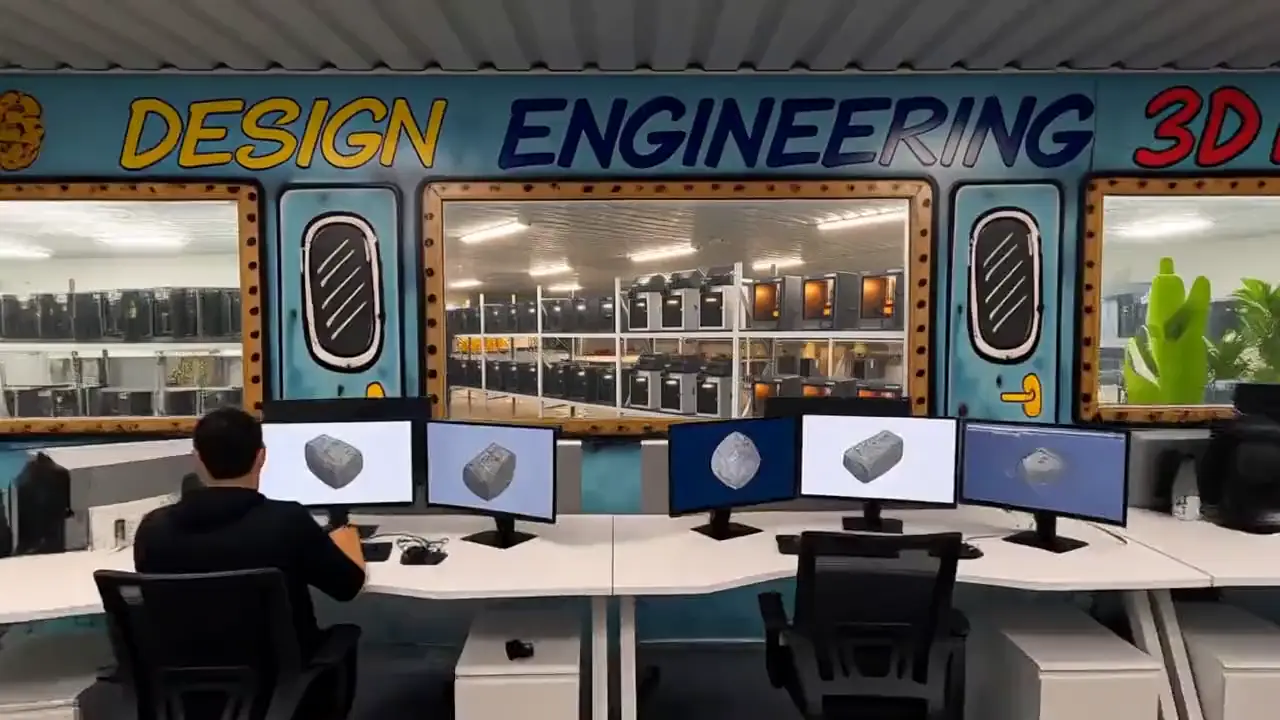
Without a file, the first step is design: the idea becomes a model, drawn from your sketch, your photos or a sample, and nothing is printed until it is agreed. Our note on going from a sketch to a finished piece follows that path.
Sending it
Send the file through the contact page, with a line on what the piece is for, its size and the material or finish you have in mind; a large file can also be shared as a link. Every enquiry is answered the same working day.
Follow the studio
The work in these notes, as it is made: pieces off the printers, systems going live.